

Tools & Comparisons ·
Free Tools That Track Citations and Brand Mentions Separately
Compare free tools that report citation rate and brand mention rate as separate numbers, and see which are ongoing plans and which are one-time checkers.
Which free plans really include Perplexity? See how six tools differ on prompts, cadence and answer position, and pick one to track a client's brand today.
Avinash Saurabh · · 18 min read

If a client has asked whether they show up in Perplexity, you probably want to answer with real data rather than a guess, and you probably want to do it without adding a tool bill to a small retainer. Several free products do include Perplexity, but they are not the same kind of free. Three of them are ongoing free plans: AeoNut, Rankbits and AEObot. Two more, the Ahrefs AI Visibility Checker and the HubSpot AI Search Grader, include Perplexity but give you a snapshot rather than monitoring. A sixth, Searchable, advertises Perplexity in its free report with a catch we will get to.
This guide is for freelance consultants who want Perplexity brand tracking free of a subscription, in a free Perplexity visibility tracker they can actually build a client engagement on. It is written from AeoNut's point of view, and AeoNut is first on the list because of what its Free plan covers: free forever, unlimited prompts, your own keys. That is a plan about the platform. The Perplexity answer data is billed by your own provider, and we will be plain about that cost when we get to it.
A free Perplexity visibility tracker is only useful if it answers a few questions in a sensible order. These are the ones we used.
Vendors also call this job AEO, GEO or LLM tracking, which can make free tracking tools under different labels harder to compare. The order below is our judgment of fit for a freelancer with one or a few clients. It is not a claim that one tool has the most accurate Perplexity data, because we did not test accuracy.
| Order | Tool and free product | Perplexity named? | What stays free | Scope and cadence | Mentions and position | Best fit |
|---|---|---|---|---|---|---|
| 1 | AeoNut Free | Yes | Platform free forever; provider data billed separately | One client project, unlimited prompts, daily, twice a week or weekly | Mention rate, Avg. position, Share of voice, trends, white-label reports | Tracking one client properly and reporting under your own brand |
| 2 | Rankbits Free | Yes, in the Free source list | Ongoing free plan with a response allowance | One brand, 5 prompts per scan, every 7 days, 100 AI responses a month | Brand mentions and public shareable reports; no answer-position metric documented | A small weekly watchlist with no provider keys |
| 3 | AEObot Free | Yes | Ongoing free plan | One workspace, 5 tracked prompts and pages, monthly scan | Visibility scan and an action-plan preview, which is not answer position | A light monthly check with next steps |
| 4 | Ahrefs AI Visibility Checker | Yes | Free snapshot, no signup or card | Any brand, top 5 results per section | Total mentions and mentions by platform | A quick baseline for a prospect |
| 5 | HubSpot AI Search Grader | Yes | Free one-time diagnostic | One assessment per brand | Composite scores, share of voice and market position across platforms | Seeing how AI describes a brand |
| Optional | Searchable free report | Advertised | Free report, not a documented monitoring plan | Report in minutes | Visibility score and competitor context, described in terms of ChatGPT | A shareable extra diagnostic |
Two details in that table are easy to misread. Rankbits' 100 responses a month is the allowance for the whole plan, not 100 Perplexity answers. And AEObot describes its allowance as five tracked prompts and pages, so please don't read it as five prompts plus five pages.

Best for: a freelance consultant tracking one client with a real prompt set, real competitors and a report to hand over, without paying a platform subscription before the engagement can carry one.
AeoNut's Free plan is a full AI visibility tracker for one brand. It is free forever, with no card, one client project and unlimited prompts. Every feature is included, and that is the part worth pausing on. Free is not a taste of the analytics that disappears later, because every plan includes every feature and the plans differ only in how many client projects they hold. Perplexity is one of the twelve engines AeoNut tracks, and you can connect your own Perplexity key to run it.
So what does that give you in practice? A client project holds its own brand, prompts, competitors, settings and reports. You choose how often it runs: daily, twice a week or weekly. The measurements are the ones a client will ask about: Mention rate, Avg. position, Share of voice, Sentiment and trends, which you can break down by engine, prompt and country. Because prompts are unlimited, you can track the questions the client's buyers really ask instead of squeezing the engagement into a handful of slots. If you want to track brand in Perplexity free of any per-prompt cap, this is the plan that is built around that.
The reporting side matters just as much for a consultant. White-label reports and shareable links carry your branding, not AeoNut's, and that is true on Free too. Reports export as PDF, Excel and Markdown, and CSV export is included. You also get the raw AI answer for each prompt, so when a client asks why a number moved you can open the actual Perplexity answer instead of arguing from a chart. The read-only API and the MCP server are on Free as well, which means an assistant like Claude can read the data and help you draft the client summary.

That screen is a demo project with made-up data, so the numbers on it are an illustration of what AeoNut reports, not a result anyone achieved. What it shows is the structure: the raw answer, whether the brand was mentioned, its position in the answer, whether it was cited and which competitors appeared. That position field is the difference between a mention count and a real rank tracker, which is what people mean when they search for a Perplexity rank tracker.
Now the cost, stated plainly. The platform is free, but the answer data is not promised free. You connect your own provider key and that provider charges you directly at its own prices. AeoNut does not mark that data up. To keep the bill from surprising you, AeoNut shows a cost preview before tracking runs, spend per client, budget caps and alerts, and it recommends restricted provider keys with spending limits. We would not call this free data, and you shouldn't read it that way. What it does mean is that you pay what the data costs, and nothing on top for the platform.

If your client list grows, Pro is $99 a month for up to 10 client projects ($79 a month billed annually), and Unlimited is $499 a month for unlimited projects ($399 a month billed annually). Both keep every feature Free has. If you are replacing a paid tool, see what you keep and give up with free alternatives. A Done-For-You Switch will import prompts, competitors and tracking history if you are coming from another tool.
The honest limit: Free covers one client project. If you are juggling several clients at once, you will need Pro or Unlimited, or you can run the first client free and add the rest as they pay. This is not the only ongoing free Perplexity tracker, because Rankbits and AEObot are real ones too.

Best for: a consultant who can cover an engagement with five prompts and weekly checks, and who would rather have a published response allowance than manage provider keys.
Rankbits' Free plan is $0 forever and the full Free source list names Perplexity, which is firmer evidence than the page's general line about tracking several engines. You get one brand, one tracked scan with five prompts per scan, tracking every seven days, and 100 AI responses a month. Scans run on a schedule and you get public shareable reports. API access is included on every plan after email verification.
Starter is $49 a month for three brands and 20 prompts per scan, with exports, and Pro is $99 a month for unlimited brands, 50 prompts per scan and daily tracking. The pricing page we read did not publish annual pricing.
The honest limit: five prompts and 100 responses a month is a watchlist, not a full client question set, and file exports are not part of Free. We also could not find a free answer-position metric or a stated retention period on the pricing page, so we would not describe Rankbits Free as giving the same Avg. position view that AeoNut does. If five prompts and a weekly rhythm is all your client needs and you don't want to set up a provider key, Rankbits is a better fit than AeoNut for that situation, and it is a fair choice.

Best for: a freelancer who wants a light recurring check and a short list of next actions, not a tightly refreshed monitoring programme.
AEObot's pricing page offers a recurring monthly scan in the Free plan, and Perplexity is named in it. Free covers one brand workspace and five tracked prompts and pages, with no credit card. The product describes a tracked prompt as a question watched across answer engines and a tracked page as a page watched for mentions and citations. Free also includes a preview of a ranked action plan, which is an ordered list of things to write, update or fix.
Paid plans start with Starter at $50 a month for 50 tracked prompts and pages with weekly scans, then Growth at $250 a month with daily scans. Connectors and MCP access are listed on Starter, so don't assume they belong to Free.
One thing to get right: AEObot's separate free-scan page says paid plans add ongoing monitoring and alerts, while its pricing page lists a recurring monthly scan in Free. We went with the pricing page for what the Free plan includes, so this is not a snapshot-only product.
The honest limit: a monthly scan of five prompts and pages suits a light check, but it does not support promising a client weekly reporting across a real question set. And the ranked action plan is a prioritized to-do list. It does not measure where your brand sits inside a Perplexity answer, so don't present it as a position metric.
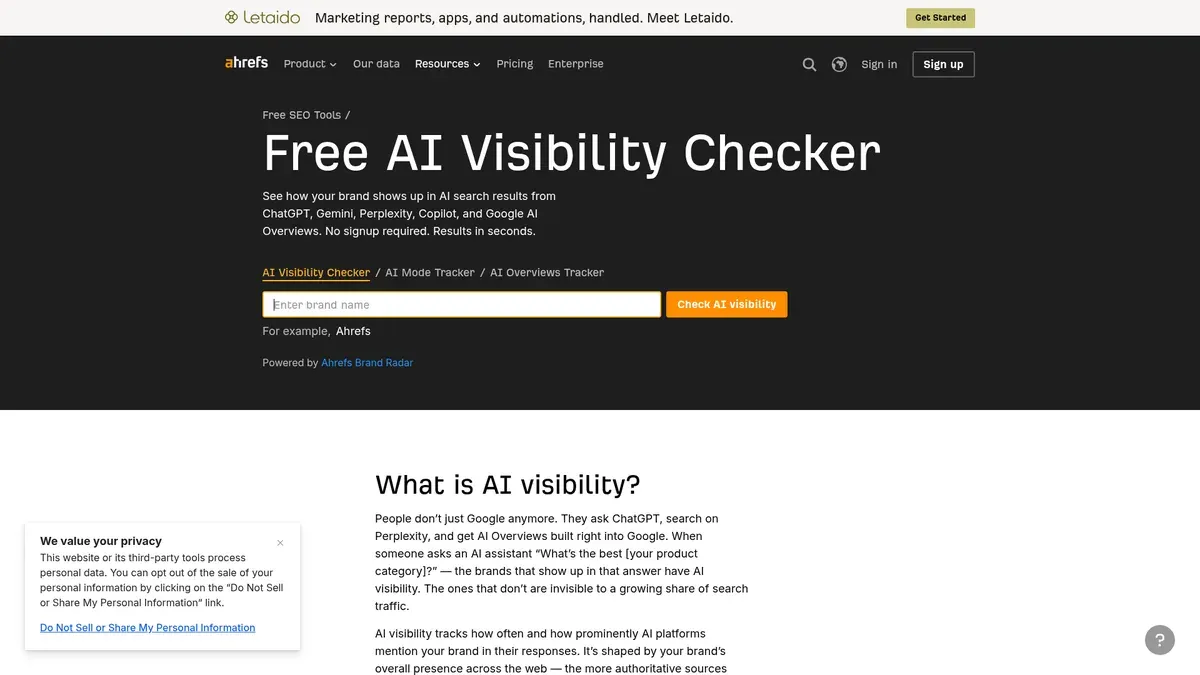
Best for: a prospect conversation or a quick baseline when you want a brand-mention check without creating an account.
The Ahrefs checker names Perplexity explicitly. You type a brand name (it also takes product names, personal brands and competitor names), with no signup or card, and there is no limit on how many brands you check. The free report shows total AI mentions and mentions by platform, with a limited preview of the top five results per section.
When you use it for Perplexity specifically, keep in mind that the total-mentions figure spans all the platforms tested, so look at the platform breakdown for the Perplexity piece. Paid monitoring lives in Ahrefs' Brand Radar, which on the page we read was $199 a month for a selected single platform and $699 a month for the all-platform option, prices that exclude tax.
The honest limit: it is a snapshot. Historical trends, competitor benchmarking and custom-prompt monitoring sit in the paid product, and we did not find a separate free answer-position metric for Perplexity. "No limit on brands" does not mean unlimited custom prompts or scheduled checks. It is still a fast no-account baseline for a prospect, as long as you label it a snapshot.

Best for: a consultant who wants to explain how AI describes a brand and where it stands against competitors, rather than keep a custom Perplexity prompt set running.
HubSpot's Grader is free and one-time, and Perplexity is part of the assessment. You enter a company name, location, industry and product or service, and you can assess your own brand or a competitor. HubSpot says it asks the models how they characterize the brand, and it scores five dimensions: sentiment, presence quality, brand recognition, share of voice and market position. You get a composite score, a breakdown and a written interpretation.
On access, the page says no account is required but also asks you to complete a short form to see full results, so both statements are true. HubSpot describes the assessment as based on model training data and prompted characterization of the brand. That is HubSpot's description, and we would not stretch it into a claim about every Perplexity response. Ongoing monitoring is a separate paid product, HubSpot AEO, at $50 a month.
The honest limit: it is a one-time diagnostic across platforms, not a Perplexity-only ranking history, so its composite score should not be passed off as one. When the deliverable is repeated measurement of the client's own questions, that is where AeoNut fits better.
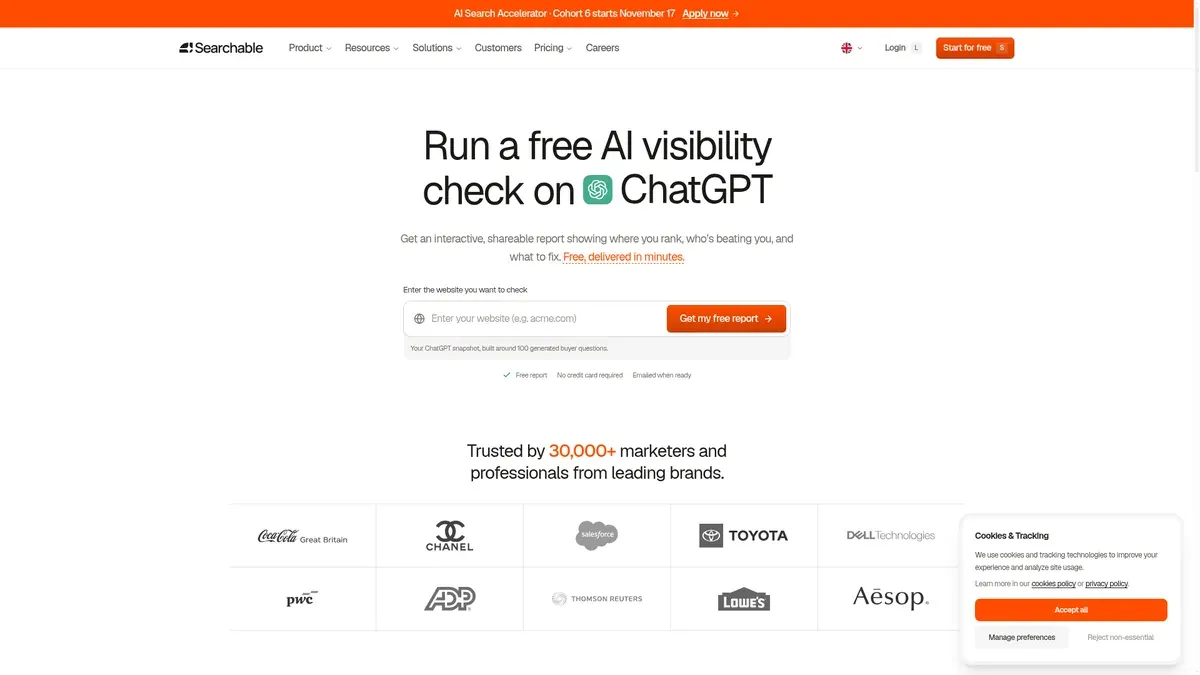
Best for: someone who wants an interactive, shareable diagnostic and is willing to check the engine-specific output before promising a client anything.
Searchable's page advertises a free visibility check that includes Perplexity. The report is described as interactive and shareable, with visibility scoring, competitor context, sentiment and brand facts, delivered in minutes with no card. Here is the catch. The same page describes its benchmark score in terms of ChatGPT, and it does not clearly show whether the free report gives a separate Perplexity score, mention table or position view. So the safe way to put it is that Searchable advertises Perplexity coverage in its free report, but the public page does not clearly document the Perplexity-specific output.
Its paid plans start with Pro at $125 a month ($100 billed annually) for 100 tracked prompts per model and one project. Pro and Scale carry a 14-day free trial, which is separate from the free report and is not a permanent free plan.
The honest limit: the free report's prompt count, cadence and retention are not clearly published, so it is a diagnostic, not a documented permanent plan. We put it after the five stronger fits for that reason.
Two names come up often enough that they deserve a quick note, because they can send you down the wrong road.
AEOProof gives you a free account and one Pro-style AI test, but the test is explicitly OpenAI-only, there is one per account and there is no ongoing tracking. We left it off the list.
Track My Visibility offers a free first Perplexity report with no signup or card, as one snapshot. Its Perplexity page defines visibility as appearing in Perplexity's source list and position as the spot in that numbered list. That is a different thing from where your brand sits among the recommendations in the answer itself, so it is not evidence of a free brand-answer rank tracker. It is more useful for looking at cited sources, which is a separate topic from this guide.
When a tool says it tracks your ranking in Perplexity, it can mean four different things, and mixing them up is the easiest way to give a client the wrong number.
Only the first of those is answer position, and AeoNut documents it as Avg. position. Scores from different tools are not directly comparable either, because the pages we reviewed do not share a prompt panel, a formula or a denominator. A 0 to 100 score from one product tells you nothing next to a mention-rate percentage from another. If you also track ChatGPT for the same client, the same prompt-cap questions apply to free ChatGPT rank trackers. If you work out a metric by hand, write down the formula, for example valid answers that mention the brand divided by valid answers checked. That is one reasonable reporting convention, not a standard every tool follows.
This is a suggested workflow, not a tested sequence of menu clicks. For setups for other readers and industries, there is a separate guide.
If you are not sure where to start, a sensible path is to run a single-engine free checker for the prospect conversation, then set up AeoNut Free for the client who says yes, so you build a real trend from the first month. If the job is something other than Perplexity, see free AI visibility tools by job.
Ready to try it? Start free with AeoNut: track one client with unlimited prompts, your own provider keys and white-label reports, and preview the data cost before tracking runs.
AeoNut, Rankbits and AEObot name Perplexity in ongoing free plans. The Ahrefs AI Visibility Checker and the HubSpot AI Search Grader include it in free snapshots. Searchable advertises it in a free report, but its public page does not clearly document the Perplexity-specific output.
Yes, with different limits. AeoNut gives you a free-forever platform for one project with unlimited prompts, and your connected provider bills the answer data. Rankbits includes five prompts with weekly tracking and a 100-response monthly allowance. AEObot provides a monthly scan with five tracked prompts and pages.
In this shortlist, AeoNut is the best fit, because its Free plan includes mentions, position in the answer, competitor share of voice and trends without a prompt cap. The other free products publish useful checks or allowances, but the pages we reviewed do not show an equivalent free Avg. position view.
It can be enough for a first baseline or a prospect call. It is not the same as a retained prompt set with repeat measurements and history, so for ongoing reporting, pick a plan with a documented schedule and say plainly whether you are showing a snapshot or a trend.
Tools & Comparisons ·
Compare free tools that report citation rate and brand mention rate as separate numbers, and see which are ongoing plans and which are one-time checkers.

Tools & Comparisons ·
Is a self-hosted AI visibility tracker worth your time? Compare setup, upkeep, data control and engine coverage with a managed free plan before you decide.

Tools & Comparisons ·
Which free AEO tracking tool keeps running, saves history and shows change? Compare five free options on schedule, trends and alerts to pick one for a client.